
VR Experience Lite2.1b - Google Play
You'll be able to see results in few seconds.
Publisher Description
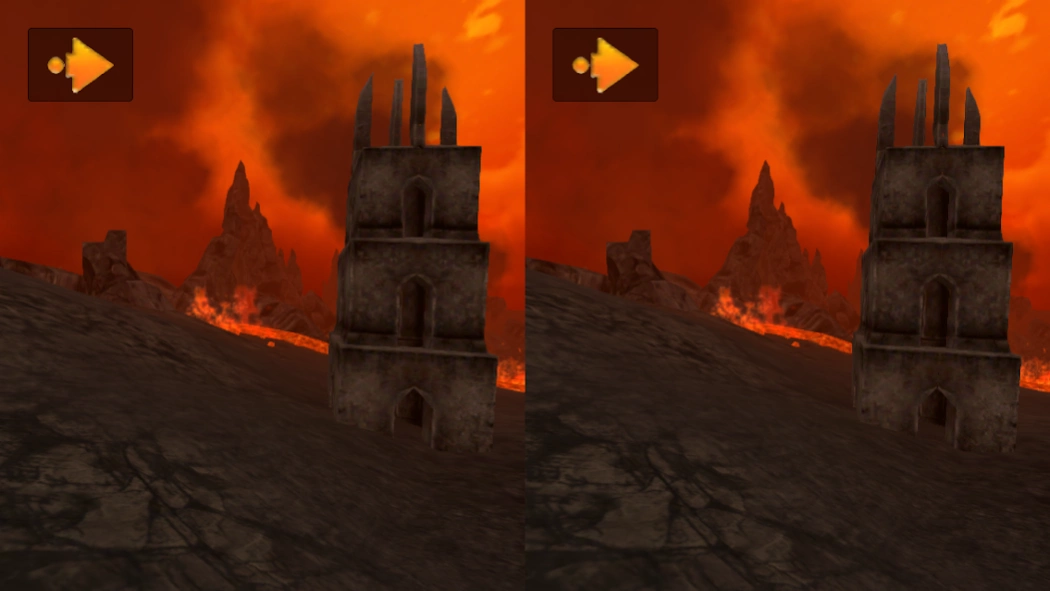
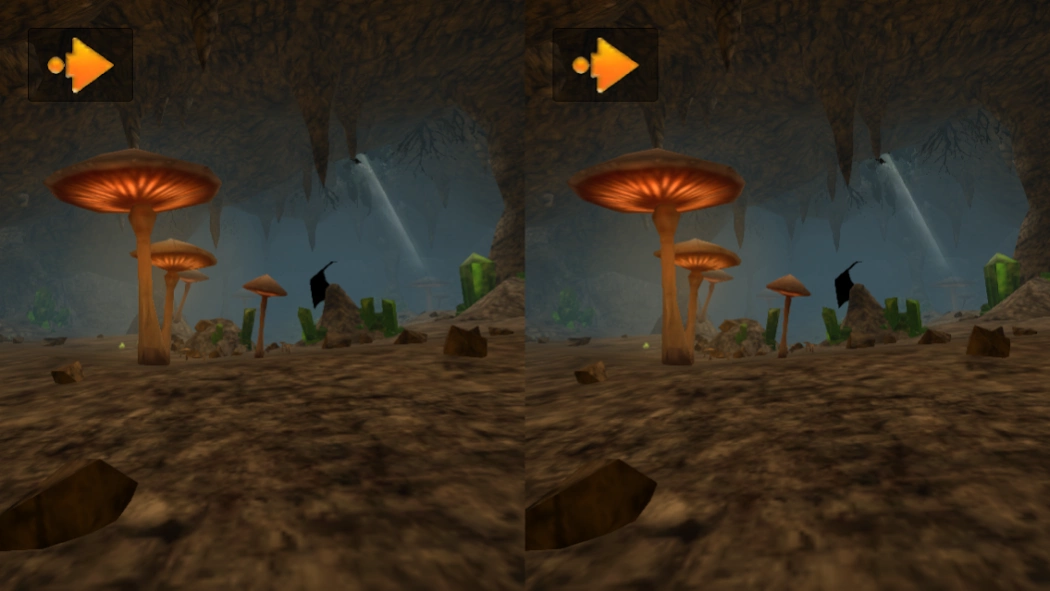
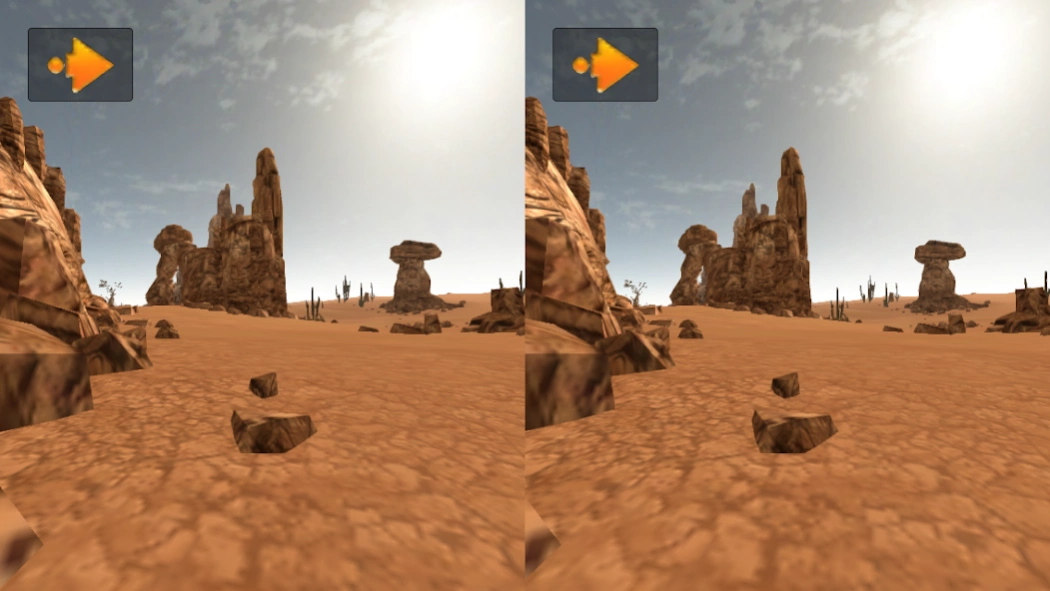
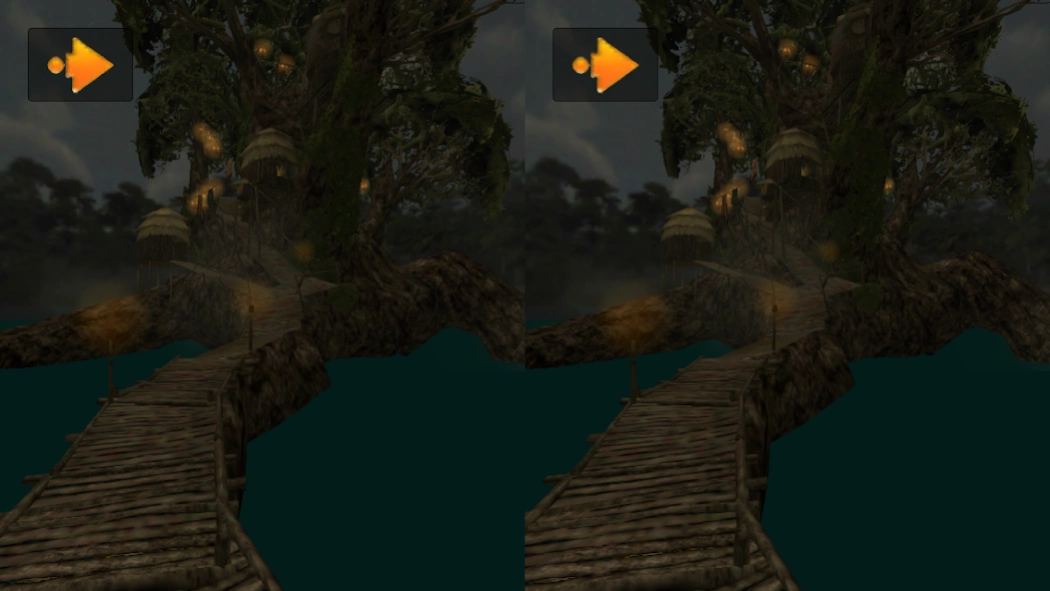
Immerse into a virtual reality thanks to a Google Cardboard.
Immerse yourself into virtual reality thanks to your smartphone combined with a Google Cardboard kit.
Explore 10 worlds in 3D stereoscopic view cheaper than with an Oculus Rift.
Look down during a few seconds or use the Android fully supported magnet toggle on the side of the headset to start/stop moving into current scene or to load next level (4 configurable VR moving modes are now possible with or without magnet toggle, speed, player's height or eyes distance is also configurable).
In "Normal" (non-VR) mode you can also move with a digital pad.
You can build a Google Cardboard VR headset yourself or buy one on a dedicated website.
Learn more about Google Cardboard and building your own virtual reality glasses at g.co/cardboard.
VR Experience Lite is also compatible with premium VR smartphone headsets such as Homido or Durovis Dive 5. Note that the application also works on tablets (Nexus, Galaxy Tab...) but needs a dedicated VR headset (such as Durovis Dive 7).
In this version you can explore 10 different levels/worlds without additional cost or ads:
- Office
- Space ship
- Desert
- Forest
- Center of the Earth
- Ice land
- Jungle
- Mountains
- Volcano
- Swamp
Note: "VR Experience Lite" is limited to 10 levels. To have all the levels, choose "VR Experience" sold separately (in-app purchase of additional levels is not supported).
English and French are supported.
For the best experience, use a smartphone with a 5 to 5.5" screen like Google Nexus 4/5/6, Samsung Galaxy S3/S4/S5/S6, HTC One, Xiaomi Mi3...
Note: with virtual reality and 3D stereoscopic view, you may experience dizziness, or “Sim Sickness” if you are tired or using the game for too long a time. In that case stop playing immediately.
About VR Experience Lite
The company that develops VR Experience Lite is Ideoservo Games / Geoffrey CHARRA. The latest version released by its developer is 2.1b.
To install VR Experience Lite on your Android device, just click the green Continue To App button above to start the installation process. The app is listed on our website since 2015-05-15 and was downloaded 0 times. We have already checked if the download link is safe, however for your own protection we recommend that you scan the downloaded app with your antivirus. Your antivirus may detect the VR Experience Lite as malware as malware if the download link to com.ideoservo.vrexperiencelite is broken.
How to install VR Experience Lite on your Android device:
- Click on the Continue To App button on our website. This will redirect you to Google Play.
- Once the VR Experience Lite is shown in the Google Play listing of your Android device, you can start its download and installation. Tap on the Install button located below the search bar and to the right of the app icon.
- A pop-up window with the permissions required by VR Experience Lite will be shown. Click on Accept to continue the process.
- VR Experience Lite will be downloaded onto your device, displaying a progress. Once the download completes, the installation will start and you'll get a notification after the installation is finished.
Program Details
System requirements
Download information
Pricing
Version History
version 2.1b
posted on 2015-05-15
Disclaimer
Official Google Play Link
We do not host VR Experience Lite on our servers. We did not scan it for viruses, adware, spyware or other type of malware. This app is hosted by Google and passed their terms and conditions to be listed there. We recommend caution when installing it.
The Google Play link for VR Experience Lite is provided to you by apps112.com without any warranties, representations or guarantees of any kind, so access it at your own risk.
If you have questions regarding this particular app contact the publisher directly. For questions about the functionalities of apps112.com contact us.
